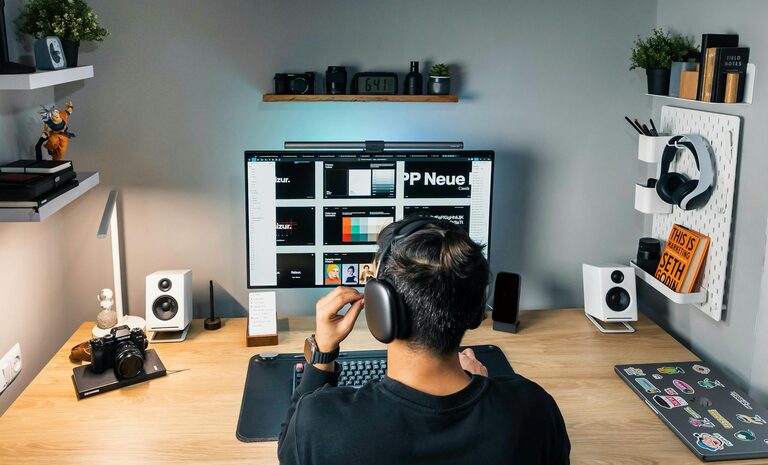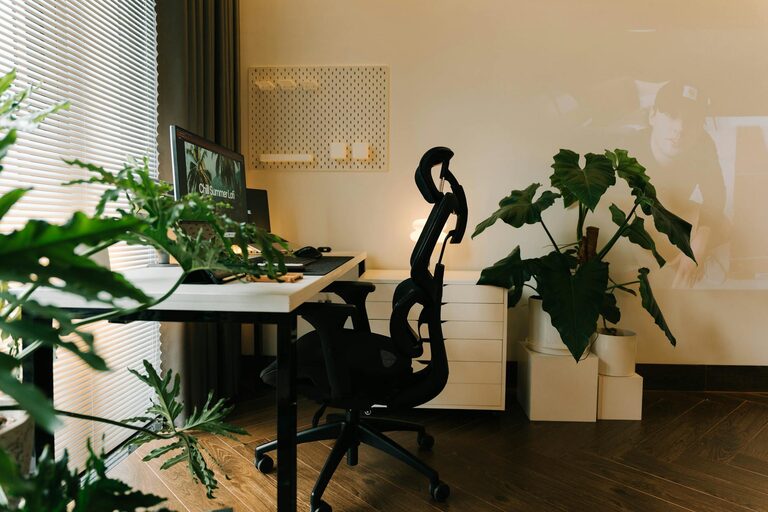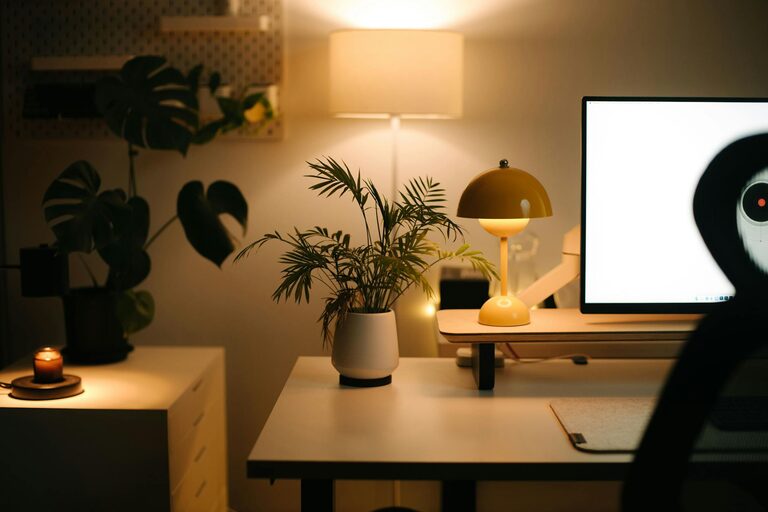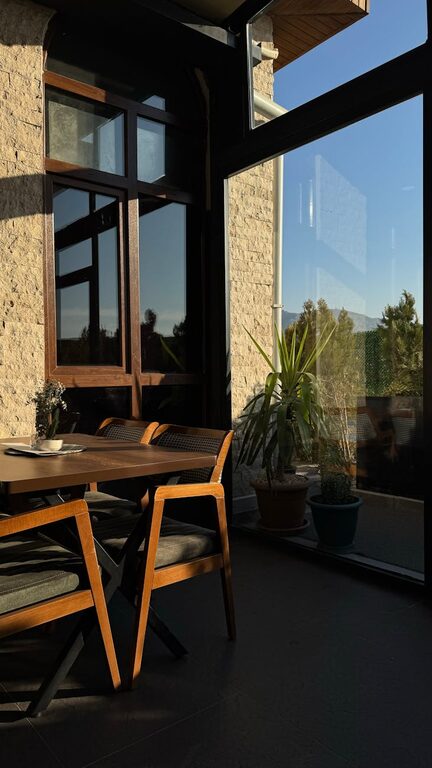
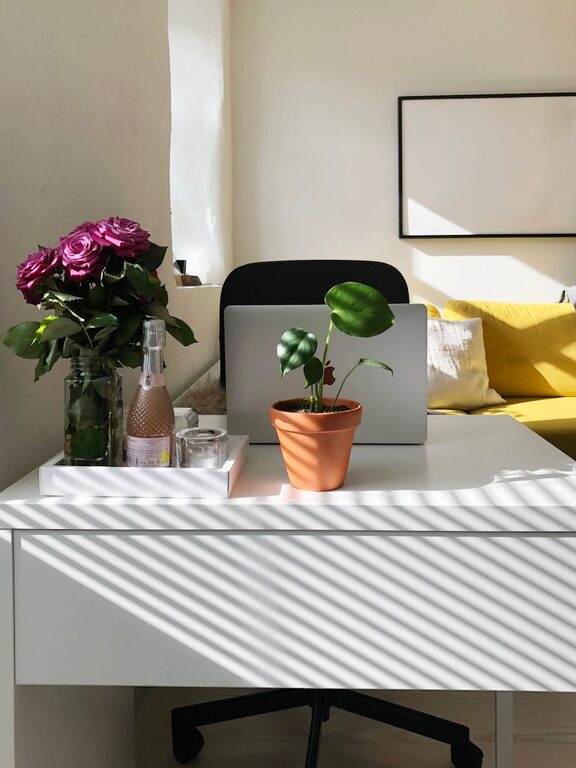
Creating a home office that feels both cozy and functional can significantly enhance your work experience. Whether you work remotely full-time or occasionally need a dedicated workspace, designing an area that supports productivity and comfort is essential. This guide will walk you through practical tips to help you set up a home office that suits your needs and style.
Choose the Right Location
Consider Natural Light and Noise Levels
Start by selecting a spot in your home that has plenty of natural light. Exposure to daylight can boost your mood and energy. Near a window is ideal, but avoid glare on your computer screen. Additionally, think about the noise level. A quieter space will help keep distractions to a minimum.
Avoid High-Traffic Areas
Try to pick a place away from busy areas of your home, such as the kitchen or living room, where people congregate. This can help maintain focus and boundaries between work and personal time.
Invest in Comfortable and Supportive Furniture
Select an Ergonomic Chair
A comfortable chair with good lumbar support is crucial. You might spend many hours sitting, so investing in ergonomics helps prevent back pain and improves posture.
Choose a Desk That Fits Your Space
Your desk should fit the space without feeling cramped. Consider a size that accommodates your computer, paperwork, and any other essentials. If space is limited, try vertical storage solutions or foldable desks.
Organize for Efficiency
Declutter Regularly
A tidy workspace promotes clear thinking. Keep only what you need on your desk and store other items in drawers or shelves.
Use Storage Solutions
Invest in shelves, file organizers, or storage bins to keep documents and supplies orderly. Label containers to find things quickly.
Cable Management
Messy cables can be distracting. Use clips, ties, or cable sleeves to keep wiring neat and out of sight.
Add Personal Touches
Incorporate Plants
Adding greenery can brighten your space and improve air quality. Choose low-maintenance plants like succulents or snake plants if you’re new to gardening.
Decorate with Meaningful Items
Photos, artwork, or inspirational quotes can make your office feel inviting. Just keep decorations minimal to avoid clutter.
Optimize Lighting
Combine Ambient and Task Lighting
Good lighting reduces eye strain. Use a combination of ceiling lights for overall brightness and desk lamps to focus light where you work.
Choose Warm Light Bulbs
Warm, soft light creates a cozy atmosphere, which may help you feel more relaxed during work hours.
Maintain Good Air Quality and Temperature
Ensure Proper Ventilation
Fresh air prevents stuffiness and helps you stay alert. Open windows when possible or use an air purifier for better air quality.
Control Temperature
Keep your workspace at a comfortable temperature. Use fans, heaters, or adjustable thermostats to avoid distractions caused by feeling too hot or cold.
Set Boundaries to Balance Work and Life
Establish a Routine
Starting and ending your workday consistently helps create a clear boundary. This can reduce stress and improve productivity.
Use Visual Cues
Closing a door or adding a sign can signal to household members when you are working, minimizing interruptions.
Take Breaks in a Different Space
Step away from your desk during breaks. Moving to another room or outside helps refresh your mind.
Use Technology Wisely
Invest in Reliable Equipment
A fast computer, quality headphones, and stable internet connection are key to smooth workflow.
Organize Digital Files
Just like physical clutter, a messy digital workspace can waste time. Use folders and backup your files regularly.
Final Thoughts
Designing a home office that is both cozy and functional takes some planning, but it’s well worth the effort. By choosing the right location, investing in comfortable furniture, maintaining organization, and adding personal touches, you can create an environment that supports focus and wellbeing. Remember, your workspace should reflect your needs and style, making your workdays enjoyable and productive.
About the Author