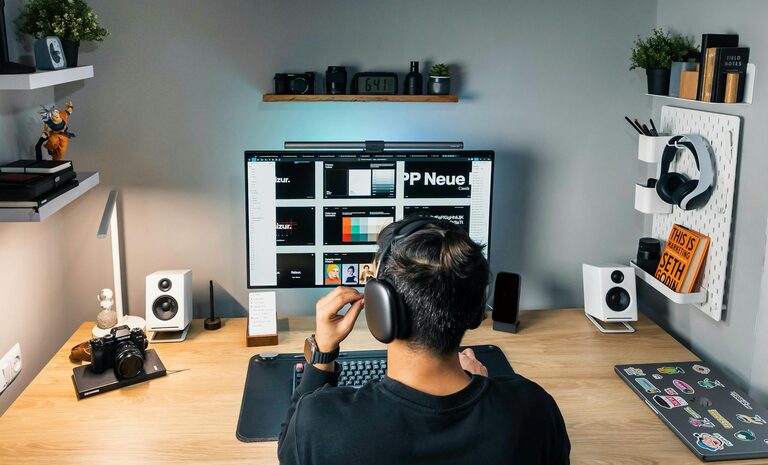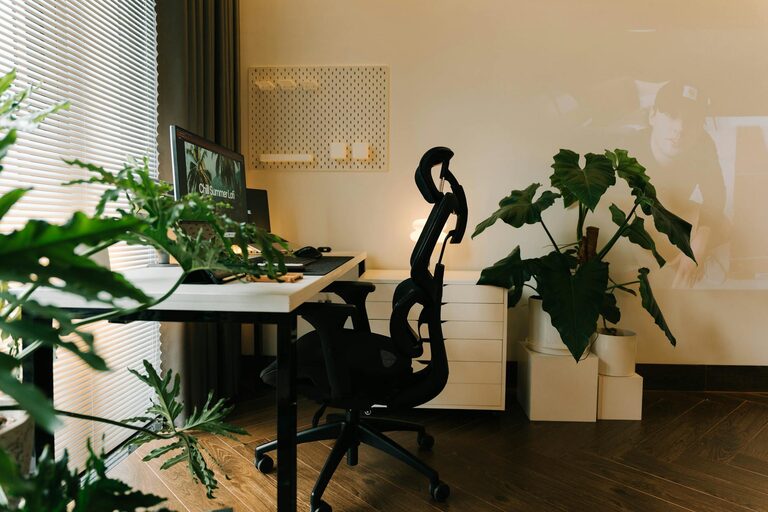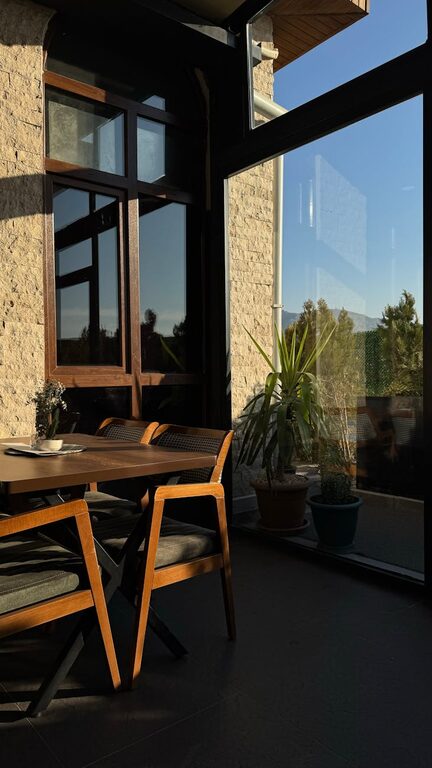
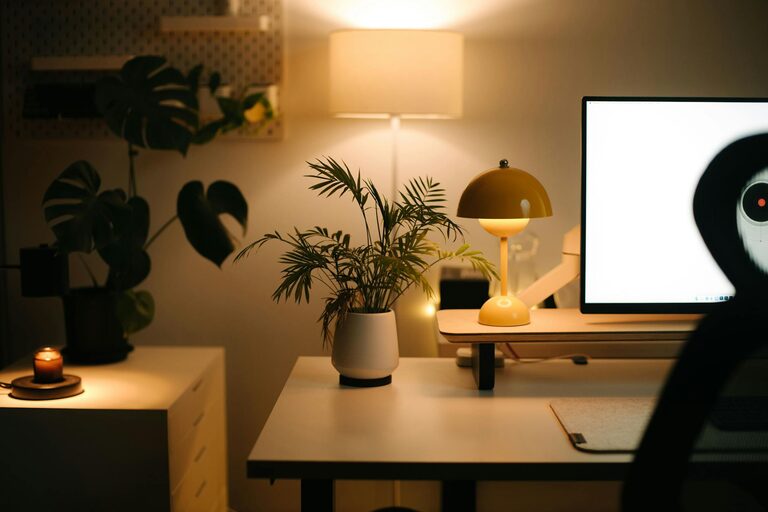
Creating a cozy and inviting home workspace is key to staying motivated and productive, especially if you spend many hours working from home. A well-designed workspace not only enhances your focus but also makes your workday more enjoyable. Here are some practical tips to help you create a home office that feels comfortable, personalized, and efficient.
Choose the Right Location
The first step to a cozy workspace is choosing a spot that fits your needs. Ideally, this should be a quiet corner or room with minimal distractions.
– Natural Light: If possible, select a space near a window. Natural light improves mood and reduces eye strain.
– Privacy: Consider a location where you can close the door or separate your workspace from household traffic.
– Accessibility: Make sure it’s easy to reach and doesn’t require long walks or interruptions to set up daily.
Invest in Comfortable Furniture
Comfort is essential when creating an inviting workspace. The furniture you pick affects both your posture and how you feel throughout the day.
– Ergonomic Chair: Choose a chair with back support, adjustable height, and cushioning. Proper support prevents fatigue and discomfort.
– Desk Size: Select a desk that accommodates your computer, supplies, and any additional tools you need, like a printer or notebooks.
– Footrest: If your feet don’t rest flat on the floor, a footrest can improve circulation and posture.
Personalize Your Space
Adding personal touches makes your workspace feel welcoming and uniquely yours.
– Decor: Include artwork, framed photos, or inspiring quotes that motivate you.
– Plants: Small plants like succulents or aloe vera bring life and fresh air to your desk area.
– Color Scheme: Use soft, calming colors like warm neutrals, pastels, or muted tones to create a peaceful atmosphere.
Organize and Declutter
A tidy workspace helps keep your mind clear and focus sharp.
– Storage Solutions: Use shelves, drawers, and organizers to store supplies. Keeping everything in its place reduces clutter.
– Desktop Organization: Limit items on your desk to essentials. Use trays or containers for pens, paper, and other supplies.
– Cable Management: Use clips, ties, or sleeves to keep cords neat and out of the way.
Optimize Lighting
Good lighting is crucial for comfort and productivity.
– Layer Lighting: Combine ambient lighting (ceiling or lamps) with task lighting like desk lamps for focused activities.
– Adjustable Lighting: Choose lamps with adjustable brightness or color temperature to reduce eye strain throughout the day.
– Avoid Glare: Position your screen to prevent reflections from windows or light sources.
Incorporate Technology Wisely
Technology is a major part of any home office setup but keeping it organized helps avoid feeling overwhelmed.
– Quality Equipment: Invest in reliable devices such as a good keyboard, mouse, and monitor.
– Wireless Options: Wireless accessories reduce cable clutter and create a cleaner desktop.
– Tech Breaks: Schedule short breaks to reduce screen fatigue, which helps maintain comfort.
Create a Pleasant Atmosphere
The small details contribute to a cozy, inviting feeling.
– Scent: Use subtle aromatherapy like lavender or citrus essential oils to create a relaxing environment.
– Sound: Consider soft background music or white noise to block distracting sounds. Noise-canceling headphones can also be helpful.
– Comfort Accessories: Add a soft blanket or cushion for extra comfort during long work sessions.
Design for Productivity and Flexibility
Your space should support your workflow and adapt to your needs.
– Zones: If space allows, create different areas for tasks such as computer work, reading, or brainstorming.
– Standing Options: Include a sit-stand desk or adjustable table for changing positions throughout the day.
– Inspiration Board: Keep a bulletin board or whiteboard nearby to jot down ideas, to-dos, or motivating messages.
Maintain Healthy Habits
Finally, remember that a cozy and inviting workspace also means taking care of your well-being.
– Ergonomics: Set up your chair and desk so your screen is at eye level and wrists remain neutral while typing.
– Movement: Take regular breaks to stretch and move around.
– Hydration: Keep a water bottle nearby to stay hydrated.
—
Creating a cozy and inviting home workspace doesn’t have to be complicated. By choosing the right location, investing in comfort, organizing efficiently, and adding personal touches, you build an environment where you enjoy working. The more you invest in making your workspace suit your needs and style, the more productive and satisfied you’ll feel each day.
About the Author